January 23, 2026
·
7 min read
Aligning Content Goals With AI Workflows: Your Starting Line
When adding AI to a content pipeline, start by mapping big-picture goals to concrete workflow steps. Do this before picking any tool. Skip it, and you’ll end up with output that misses the business metrics that actually matter, which forces teams into costly fixes. Let business objectives drive the process, not the tool selection.
Clarify Intended Outcomes Before Tool Selection
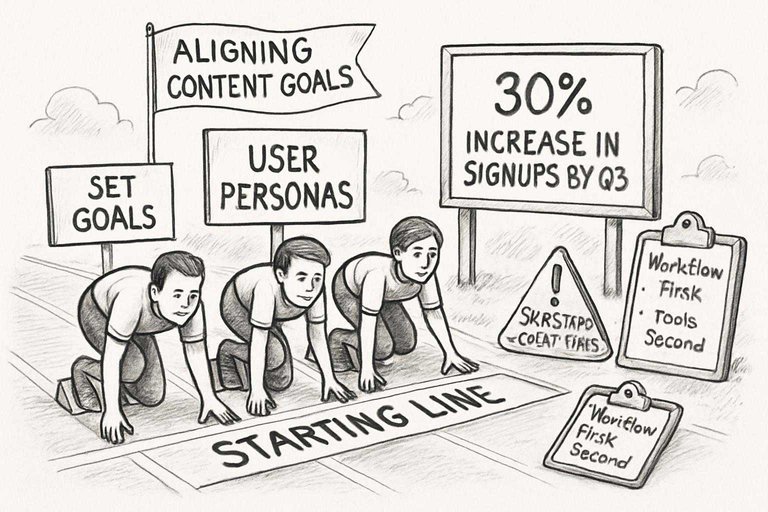
Wanting more traffic isn’t enough. If the aim is a 30% increase in search-driven signups by Q3, state it plainly. Vague goals lead to piecemeal tech stacks.
I’ve seen too many teams burn time on AI tools that looked good but served no real purpose. Defined targets cut noise, avoid bloat, and show immediate returns.
Set User Personas and Content Voice Up Front
Start with real data—heatmaps, CRM pulls, call transcripts. Generic personas don’t help. You need objections and situations pulled from actual user behavior.
Once the personas are solid, spell out the content voice. Otherwise, prompts default to generic AI tone. Doing this from the outset means you rarely double back for rewrites at scale.
Decide Where Human Oversight Is Non-Negotiable
Don’t automate away critical checks. Compliance, legal, brand reputation—these need human review, flagged in the workflow before a single word is automated. I’ve seen the fallout when this gets missed: public mistakes or regulatory issues that eat up twice the time to fix.
Validating Research and Ideation: Pre-Writing Ecosystem Trac
Good SEO content starts with research, not drafting. Trusting AI topic or keyword suggestions without validation is risky—I’ve run into bad or irrelevant recommendations more times than I can count.
Layer reviews at this stage to avoid content that falls flat. For actionable steps on integrating AI into your content planning and ideation, check out this guide on how to integrate AI into your existing content workflow.
Cross-Check Keyword Discovery With Multiple Data Sources
Never just take AI’s keyword suggestions. Check every list against at least two tools—SEMrush, Ahrefs, Moz—and then reference Google Keyword Planner. For example, search volume numbers for the same keyword can differ by up to 80% between SEMrush and Ahrefs, which can dramatically affect your targeting decisions. If you miss fast-growing queries, your competitors move ahead. Flag inconsistencies and clarify before keywords go into briefs.
Benchmark Topic Relevance Using Competitive Intelligence
AI can scan SERPs quickly, but it’s not enough. AI misses newer formats and trends all the time. Manually spot-check top results, look for gaps or old information. But don’t let competitor coverage dictate everything—you still need to highlight your own strengths.
Test Prompt Quality for Ideation Across Teams
Prompts should be stress-tested by more than just the writer. Team workshops or asynchronous reviews (with a hard deadline) are essential.
This is the only way to root out bias and create prompts that are precise. Fast cycles and blunt critique work best.
Drafting Content With Context: Safeguards for Generation at-
Prompting isn’t enough. If you want drafts that are actually usable and on-brand, context and safeguards need to be built into your process. When considering your workflow, it can be helpful to review today’s leading AI content platforms to see how each handles context and compliance features.
Leaving this out just means extra cleanup later—I’ve seen missed context alone drag out approvals by a week or more.
Ensure Source Attribution Is Traceable
Every claim, fact, or stat in a draft must have a visible source, no exceptions. Trying to rely on memory or notes breaks down as soon as you’re past a couple of projects.
Source tracking—at minimum, built into Notion or AirTable—stops compliance issues before they start. Miss this and you’re not just fixing errors; you risk non-compliance or forced takedowns.
Lock Template Reuse to Prevent Brand Drift
Don’t let everyone touch your templates. Last time I did, the messaging went sideways fast, and it took hours to untangle.
Lock templates, track changes with versioning, and set real audit intervals. If a single color or phrase changes without oversight, trust can collapse.
Automate Plagiarism Screens—But Still Double-Check
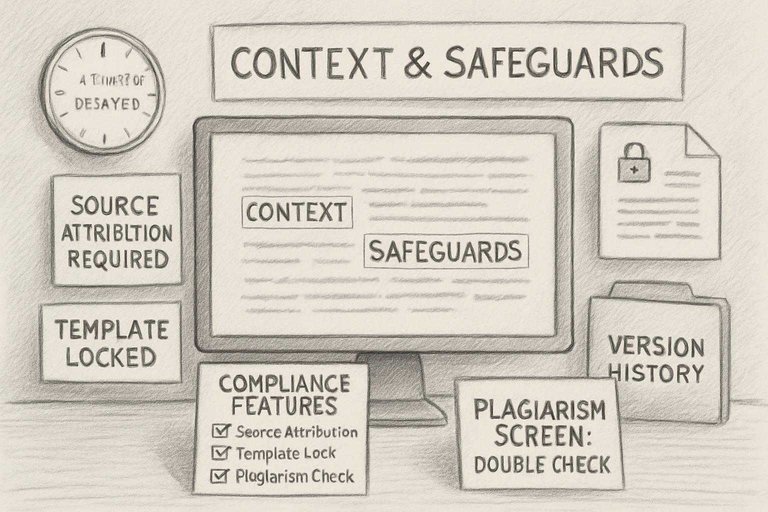
Plagiarism checkers are fine, but they’re not enough. I’ve seen supposedly clean content set off red flags weeks later. Manual spot checks are still necessary.
Track syndication yourself—if you don’t, you’ll either vanish from search or get a legal notice. Automation alone won’t catch every problem.
Fact-Checking and Optimization: Integrations That Catch What
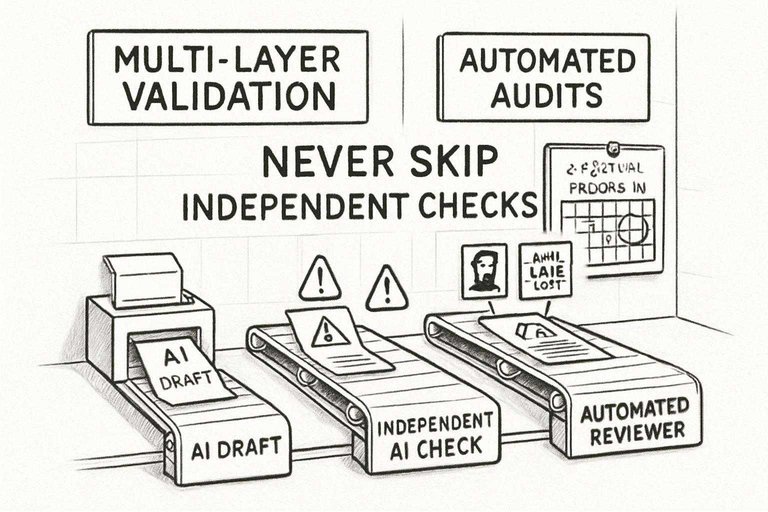
AI drafts and a single QA check won’t cut it. Something gets through. Multi-layer validation—integrations meant specifically to catch misses—closes gaps that are easy to overlook.
Expect errors if you skip this.
Validate Factual Checks With Independent AI Layers
Never use the same AI that wrote your draft to check its work. I always rerun drafts through a second validator using separate data sources.
Skipping this caused us to publish two factual errors in a single month—mistakes that a brief independent check caught instantly. It takes a few more minutes, but there are too many ways for bias and hallucination to slip through otherwise.
Connect Automated Readability and Tone Reviewers
Automated tools find most of the readability issues, but not all. They’re quick—Hemingway, Writer, take your pick—but won’t pick up every tone mistake or context mismatch.
If you’re publishing volume content, run these checks, then look again yourself. Automatic ‘excellent’ scores aren’t a final answer.
Script Automatic On-Page SEO Audits Into Your Workflow
Manual SEO checks are a bottleneck at scale. Pipe audits like SurferSEO or Screaming Frog into your publishing workflow.
I didn’t once, and it led to days hunting missing metadata. Set it up from draft to staging if you actually care about rankings.
Shipping, Performance, and Iteration: Closing the Loop
Getting AI-assisted content published is only part of the job. Without regular quality checks and ongoing monitoring, you’re risking invisible problems and sliding down the rankings. To help ensure a smoother process, consider following this ultimate checklist for streamlining SEO content which covers essential steps teams often overlook.
Teams end up spending far more time fixing avoidable mistakes than if they had a proper process from the start. Ad hoc fixes never beat a disciplined system.
Test Deployment in a Staging Environment Before Publishing
Always run a full deployment in staging. Visual issues like missing menus or broken layouts will get missed if you only use WYSIWYG editors. Automated tests won’t catch misaligned images or schema markup errors, which hurt SEO.
Plan hands-on review for every major page, especially when using widgets or pulling data dynamically. Skipping staging to save time usually leads to broken pages going live.
Set Up Continuous SEO Signals Monitoring
Run real-time monitoring hooked into Search Console or something like Little Warden. Set alert thresholds—if impressions drop 30% in a day, catch it right away.
- Don’t rely on generic Slack alerts; create asset-specific ones and assign clear ownership.
- Neglected de-indexed pages can drag down an entire content cluster fast.
Automate Version Control for Post-Publish Edits
Google Docs isn’t enough. Use proper version control—either Git-based or built into your CMS—so every change is documented. Otherwise, you’ll lose important SEO fixes when edits overwrite each other. With real versioning, you can always roll back. But watch for merge conflicts; enforce review before merging to avoid mistakes.
Written by
Skribra
This article was crafted with AI-powered content generation. Skribra creates SEO-optimized articles that rank.
Share: