January 22, 2026
·
6 min read
Step 1: Pinpoint Your Most Pressing SEO Tasks
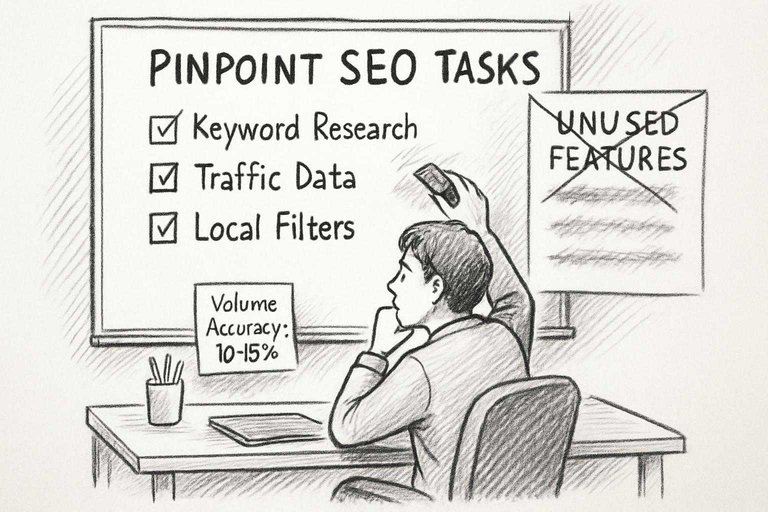
Decide what you actually need. Dashboards distract; most people waste hours on extras, then realize the core data isn’t right where they need it.
Write down the two or three regular tasks you run every week. If you don’t, you’ll pay for features that end up ignored.
Clarifying Research Goals Before Comparing Tools
If most of your work is keyword research, then things like “fresh keyword ideas” and “current traffic data” should be non-negotiable. If backlinks barely matter in your workflow, don’t let backlink visualizations influence you. If you misjudge what you need, you’ll end up slogging through clutter daily.
Listing Must-Have Features for Your Workflow
The only things on your checklist should be items you use every day. For me: volume accuracy within 10-15% of Google Analytics, trustworthy SERP snapshots, and local filtering that actually separates US from global. Anything unused in your last five projects—drop it. Too many features just slow you down.
Step 2: Run a Real Keyword Search in Both Platforms
Test the same keyword in both Ahrefs and KWFinder. See which one actually gets you data you can use.
Running this comparison on a batch of keywords takes 45 minutes, but it’ll show you if, say, KWFinder always underrates keyword difficulty or if Ahrefs misses long-tails that matter. For a broader look at modern tools and how they stack up, see this comparison of top AI content platforms and how they approach data analysis and usability.
Inputting a Seed Keyword and Capturing All Outputs
- Use a seed keyword in both tools, but don’t just look at the top results.
- Export everything—total suggestions, SERP breakdowns, weird related phrases.
- Sometimes Ahrefs pulls 15–20% more niche suggestions; KWFinder can throw off geo-specific traffic estimates.
For a step-by-step process on expanding from seed keywords and utilizing tools like Ahrefs, check out this guide on choosing the right keywords to target with SEO.
It’s best to find these gaps before you’re under client pressure.
Evaluating Interface Usability in the Live Test
Interface friction adds up. KWFinder chokes on lists above a thousand keywords; you lose 5–10 minutes every time you work in bulk. Test common filters. If excluding brand names isn’t quick, you’ll spend more time cleaning than analyzing.
Most guides suggest relying on feature lists or demos, but actually running a live test with your typical keyword volumes often exposes slowdowns and pitfalls you won’t catch otherwise.
Step 3: Put SERP and Competitor Features to the Test
With SERP and competitor features, the real test isn’t how many data points a tool gives you. What matters is whether you know exactly what you’d change on your site tomorrow.
Teams get lost in massive data exports that don’t answer why a competitor outranks you. If the data isn’t actionable, it’s just noise.
Assessing How Each Tool Maps Competitor Strengths
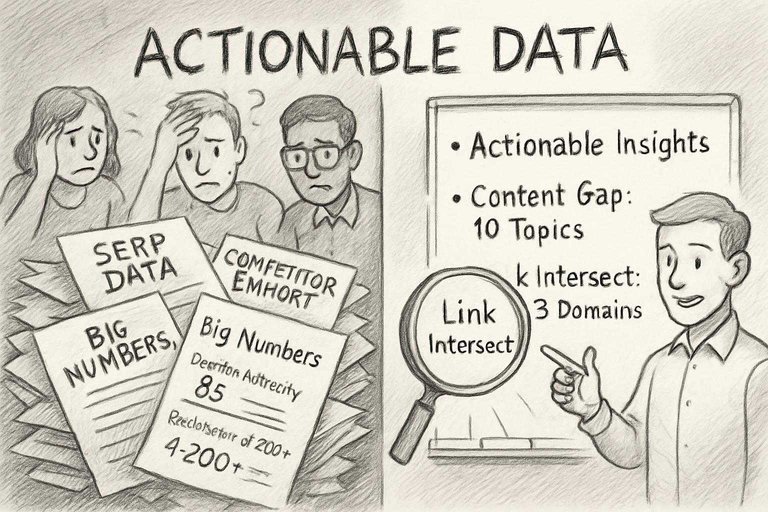
Ahrefs on a target keyword gives a SERP breakdown that’s deeper than most: traffic, referring domains, anchor phrases, pages linked. These aren’t trivia—they’re the facts you need if you want to know which competitors can actually be beaten and how.
KWFinder gives the big numbers—domain authority, backlink count—but lacks context. It’s fast for a surface read, but I’ve seen it miss which domains are really making the difference. For actual go/no-go keyword decisions, Ahrefs is necessary.
Spotting Gaps in Content and Link Opportunities
Ahrefs’ ‘Content Gap’ and ‘Link Intersect’ let me build a prioritized list that actually moves rankings. I can filter to target only competitors always ranking above us—instead of wasting time on one-off outliers.
The equivalent in KWFinder (via Mangools) is basic, short on filtering, and just gives you a list, not real actions. With Ahrefs I can hand a team ten missing topics or links, and results show up in a month. With KWFinder, I’d need to double-check what’s actually useful.
Step 4: Stress-Test Reporting and Export Options
Reporting and exports is where a lot of workflows fall apart, especially if the audience isn’t technical. Ahrefs cuts out 30–40% of the cleanup I did with lighter tools like KWFinder. For additional insights on what features to evaluate in your SEO tools, see this resource on what to look for in SEO tools. If you’re also seeking ways to improve efficiency, this overview of top resources to simplify SEO workflows will help you streamline your process and avoid common pitfalls.
Building a Custom Report from Research Session
Ahrefs lets me filter reports down to exactly what matters—by SERP feature or traffic potential. I can export polished PDFs, grouped by keyword or score.
KWFinder exports are quick but always need more work in Sheets for real reports. Missing templates and sorting mean extra manual steps. Fine for internal notes, not for real presentations. Unlike most guides that recommend exporting raw data and cleaning it up in Excel or Google Sheets, this approach emphasizes using Ahrefs’ built-in report customization and export features to save significant time and produce client-ready documents directly.
Checking Export Flexibility for Collaboration
Ahrefs goes straight to PDF, which matters for clients or audits with strict formatting. Bulk row selection works for large exports.
I’ve had KWFinder hang or clip data on bigger exports—5,000+ keywords is risky. If you need to share or hand off work without extra cleanup, limited export flexibility is a bottleneck.

Step 5: Make a Decision Based on Cost, Support, and Scalability
Deciding between Ahrefs and KWFinder isn’t about which tool feels slicker. It’s cost, support, and whether it still works as you scale.
If you’re adding more sites or people, a tool that felt fast can bog down. Hitting limits or waiting on slow support isn’t theory—that’s real when deadlines are tight.
Weighing Subscription Levels Against Your Usage
You need to know how many keyword lookups or tracked terms you actually use. Track it for a month before committing.
- Hitting a KWFinder cap near campaign’s end stops you unless you pay.
- Ahrefs lets you go bigger—more users, more queries—but the cost jumps fast, sometimes just for more tracked keywords, and they don’t show that until you’re in.
- Freelancers with light use pay less on KWFinder, but underestimate and it’ll end up costing more.
I always set plans based on peak usage, not average. Overages kill momentum and budget.
Testing Customer Support Response and Integration Options
Don’t take support claims at face value—file a ticket yourself. Some vendors answer fast, some don’t. If client deadlines depend on tool support, this will matter. KWFinder replies are more straightforward but slower. Ahrefs pushes you to docs first, then support.
On integrations: Ahrefs can export data easily, but built-in dashboard connectors are basic. KWFinder has even fewer direct options. If you need automation, expect to build your own connectors. Lack of integrations wastes time when you scale up reporting.
Written by
Skribra
This article was crafted with AI-powered content generation. Skribra creates SEO-optimized articles that rank.
Share: